A Curious Moon | Week 3 | Makefile & Normalize Data
A Curious Moon | Week 3 | Makefile & Normalize Data
Apologies, it’s been a while
We are sorry, life hit us hard in November. I always forget how quickly holidays are upon us. This year April and Kaleb took a much deserved vacation and so they were out of town for a few weeks and so we opted to wait for them instead of charging on ahead of them. I think it was a wise decision. We don’t want anyone becoming so far behind that they feel they can’t catch up. The idea is to do this together so waiting made the most sense.
A Curious Moon | Week 2 | Master Plan
A Curious Moon | Week 2 | Master Plan
Create Master Plan table
create table master_plan(
    the_date date,
    title varchar(100),
    description text
);
We have a table! Just as we were getting exciting we find out that we were supposed to add a primary key and also what if the table already exists? So in order to fix those things our new create table looks like this:
drop table if exists master_plan;
create table master_plan(
    id serial primary key,
    the_date date,
    title varchar(100),
    description text
);
The serial primary key is some postgres shortcode that will add a column of integer type that can’t be NULL and will auto increment.
A Curious Moon | Week 1 | Getting Setup
A Curious Moon | Week 1 | Getting Setup
After completing our Python course, Complete Python Bootcamp: Go from zero to hero in Python 3 at Udemy, we decided the next thing we would like to learn more about would be databases. At work I’ve been participating in a course in PostgreSQL called A curious Moon and I suggested that to the group. They have agreed and so we have begun.
Setting up; It’s never easy
We actually started a week or maybe 2 ago and ran into more issues that I care to cover trying to get April and Kaleb up and running on their Windows laptops. So many, in fact, that we decided instead that we would install Ubuntu on their laptops and dual-boot so that we could have them inside a Linux environment where I could better help them as issues come up. I, and my brother Austin, are both working on Mac OSX and so this will make a more consistent environment. One that I hope means any issues they come across I will have also and will therefore be able to assist them. (I’m still debating if I should install Ubuntu, I do have it on a VirtualBox VM if I absolutely need it…).
Zero to Hero Python 3 Certificate Ammon
Congratulations!
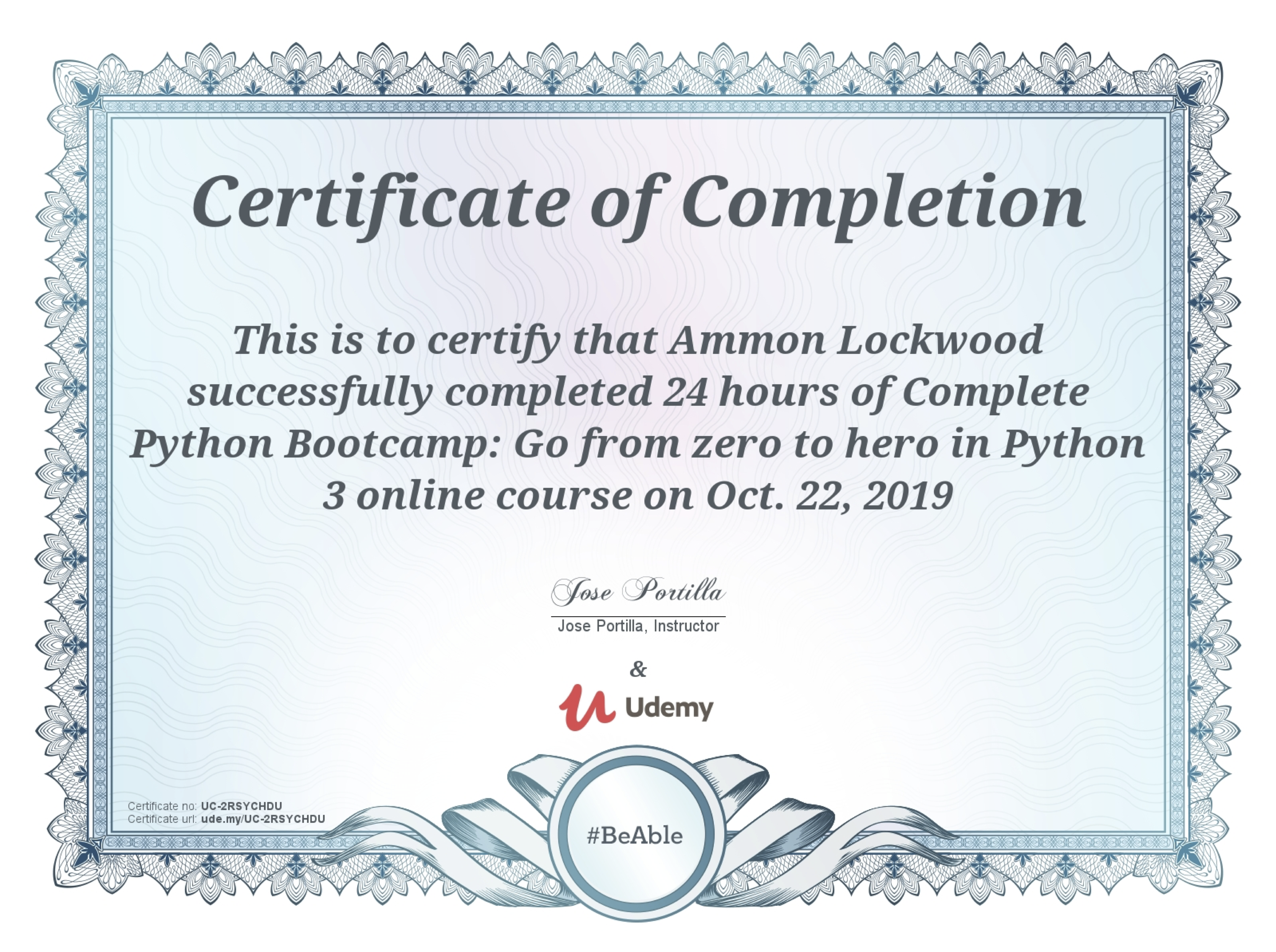
Certificate of Completion. Zero to hero python 3 for Ammon Lockwood
🎉 👏 👍 Way to go Ammon! Congratulations on completing the Zero to Hero Python 3 course on Udemy!
Penpal Finishing Touches
Let the labels be selectable
So as we stated in the previous episode, there are a couple of features that we still need to add. We really wanted the user to be able to copy+paste the decoded or encoded message so that they can send it to their penpal. Turns out that this is a very easy thing to do. Gtk.Label has a method set_selectable() and we just needed to pass true to that method.
Penpal Connecting Modules to UI
Give it a GUI
If you’ve been following along, you know that we are using GTK for our GUI. It took us a bit of time to get comfortable with it. I come from a web background and so I wanted to be able to create a <textarea> for the user to enter the message that they wanted to encode or decode. All that I could find was the the Gtk.Entry. It was an input, and it would work, but I wanted a larger space for text. I didn’t like that lots of text would get cut off in the Gtk.Entry widget. I found Gtk.TextView and I thought, “This is it! I think this will do what I want.”. However, it was not as easy to do what I wanted. I thought I would be able to just add the TextView to the flowbox and be done. I did this and it did work, however it was small and didn’t really look like the <textarea> that I’m familiar with. I spent a lot of time on Google trying to find an example of how to change the size. I must have been really off my game because I wasn’t having any luck finding an example. Sadly, I don’t recall where I finally found the answer. I feel like it was on the official documentation that I found set_size_request on the Gtk.TextView. I tried it out and was happy that it worked nicely for me.
Penpal Decode & Encode Modules
Creating the Decode & Encode Modules
Life got really busy for a bit and so it took some time for us to get things rolling again. Thankfully April was able to get some work done on the decoder module and I, Ammon, was able to get a little work on the UI done.
Decoder Module
April selected the task of creating the decoder class. Her and Kaleb were able to create a file that would shift an alphabet and then find the correct letter by shifting the index of the encoded letter to output the correct letter. It works well in jupyter, but it’s not yet able to receive any user input, nor is it part of the UI.
Penpal Cipher Project - GUIs
Project GUIs with GTK3+
We are working on the final project to complete our Complete Python Bootcamp: Go from zero to hero in Python 3 at Udemy. We have decided that we will build a simple Caesar Cipher application that we are calling Penpal. During our conversation we decided that we would really like to try to make a GUI. We’ve taken inspiration from this online cipher tool.
Research
We started with Google, you know, like you do, and found a lot of options for GUIs with python. 2 of them stood out.